A jewelry option matrix turns a broad assortment into a practical buying worksheet. Instead of comparing product names alone, record the choices that affect how each item fits your assortment: size, fitting, metal, length, and planned quantity. The goal is not to assume every combination can be ordered. It is to see which choices are described for each product and identify what needs confirmation before you commit.
Keep product facts separate from requests and decisions. A listed option is not automatically confirmation that every other option can be combined with it, or that a requested quantity is available. A useful worksheet makes those gaps visible. It gives a buyer a consistent way to compare unlike products, prepare focused questions, and record the answers received for a particular order.
Start with one row per product and option set
Set up the matrix with a product identifier and title first, then add columns for option category, listed choices, measurement, proposed quantity, and confirmation status. Avoid putting all possible variants into one crowded cell. Separate rows make it easier to distinguish, for example, a product’s metal selection from its fitting selection. Include a notes field for questions and an order-specific response, so unconfirmed ideas do not look like established options.
Use a consistent notation throughout. Write “listed” when the product description names a choice, “requested” when you want to ask about it, and “confirmed” only after receiving a clear answer for the order in question. The wholesale information page can be a useful starting point for your buying workflow, but your worksheet should still capture the specific quantities and conditions you ask about rather than assume them.
Separate size choices from fitting choices
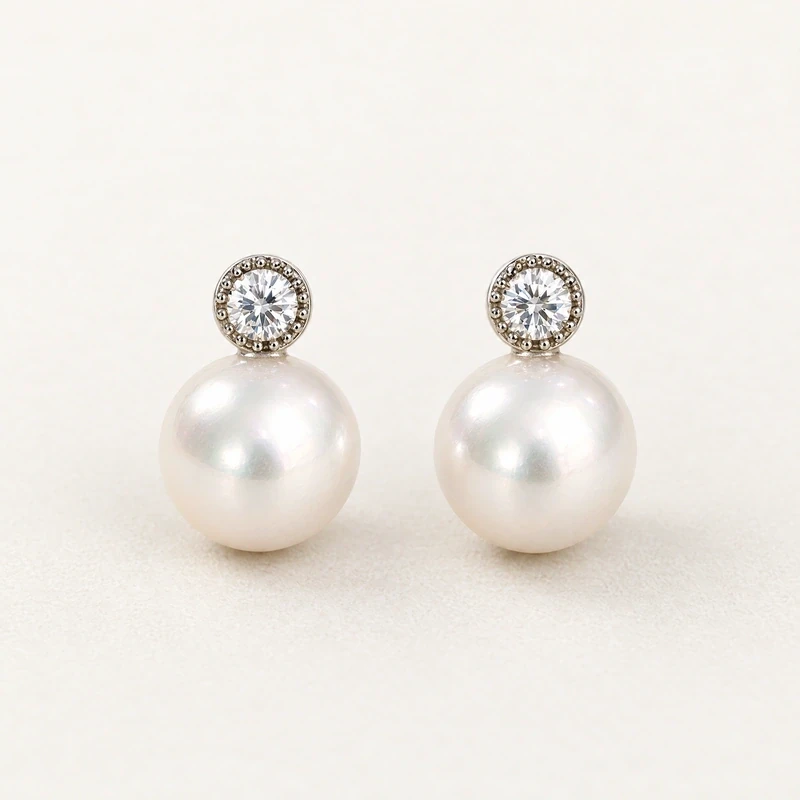
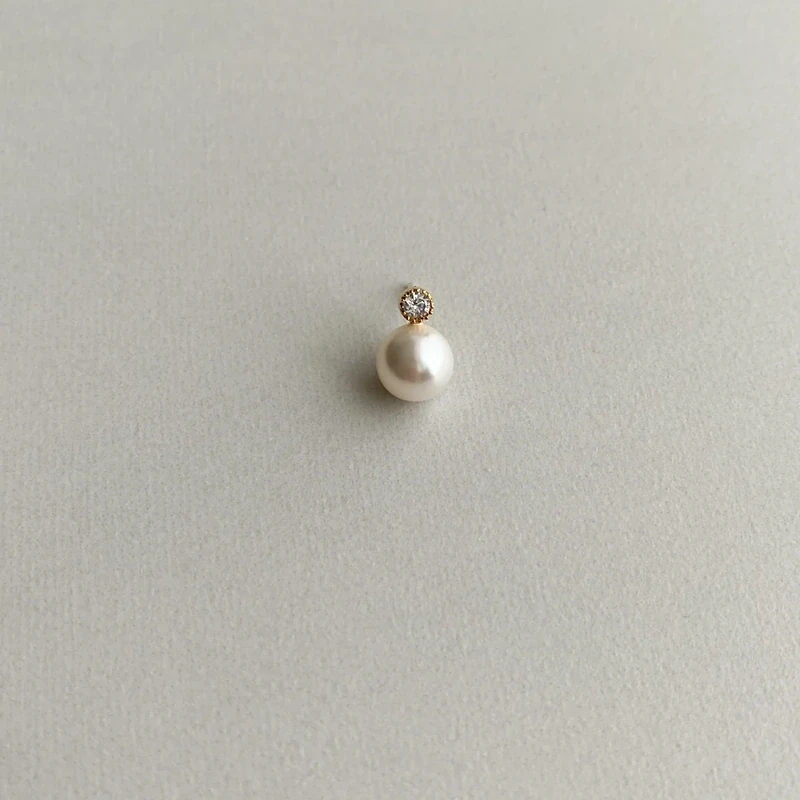
For earrings, size and fitting answer different questions. The EDREA Swarovski Pearl Earrings list pearl diameters of 8 mm, 10 mm, or 12 mm, with corresponding earring dimensions of 11 × 8 mm, 13 × 10 mm, or 15 × 12 mm. The product also lists post or clip-on fittings. Record those as separate option fields instead of reducing the product to a single entry called “small,” “medium,” or “large.”
A matrix can show each listed size in its own row and place “post” or “clip-on” in a separate fitting column. Then ask whether the fitting choices are available with each size, and whether the quantities you want can be provided for those combinations. Do not infer a fitting material from another part of the description: the stated 925 silver material applies to the earring posts, not automatically to an alternate clip-on fitting. Keep that distinction in your notes.
Record metal terms precisely
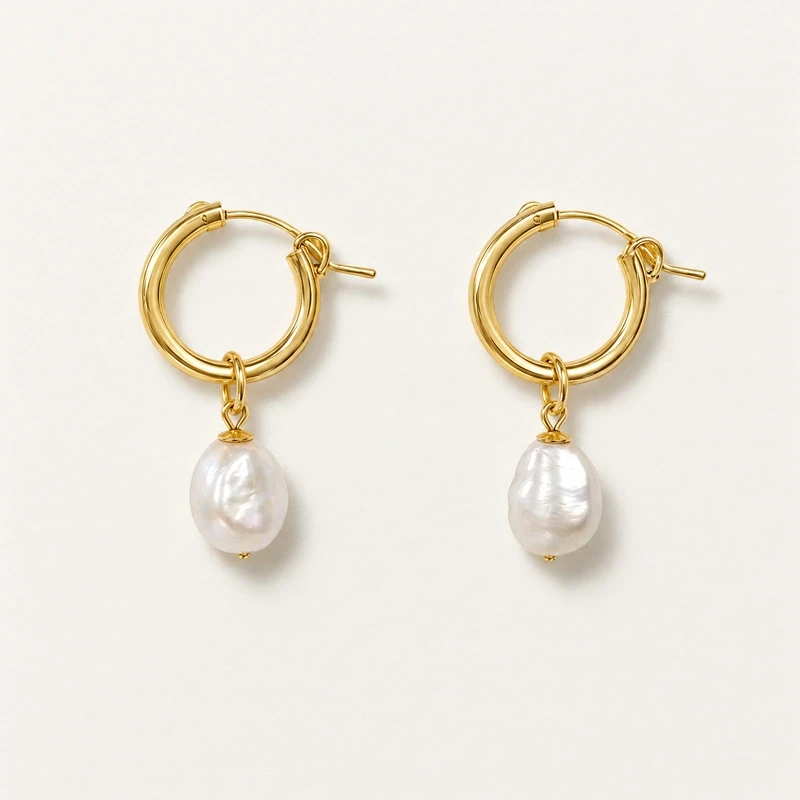
Metal wording matters because similar-looking descriptions can refer to different materials. For the Ada Baroque Pearl Hoops, the listed Colour/Metal choices are 14k gold-filled metal or sterling silver, depending on the selection. The Anna bracelet lists 14k gold-filled metal in yellow gold or 925 sterling silver. Preserve those exact distinctions in separate cells; do not shorten gold-filled to solid gold or describe a gold-tone option as gold-filled unless that is what the product listing states.
Sterling silver 925 means 92.5 percent silver. Gold-filled, gold-plated, vermeil, and solid gold are distinct terms, not interchangeable labels. Vermeil has a sterling silver base. The FTC’s guidance on buying gold and silver jewelry provides useful context for these material distinctions. In the worksheet, copy the stated material and note any uncertainty as a question; do not add assumptions about layer thickness, wear, or performance.
Compare lengths as measurements, not labels
Bracelet length is a concrete buying field, so record each stated measurement rather than translating it into an assumed fit category. The Anna Freshwater Pearl Bracelet lists 17 cm, 18 cm, and 19 cm lengths, plus an adjustable length of 15 cm with a 5 cm extender. Enter those choices exactly. If a buying plan calls for several lengths, assign a proposed quantity to each line rather than writing one total beside the product name.
Do not treat “adjustable” as a replacement for documenting the listed measurements. A customer-facing assortment may benefit from clear sizing information, and a purchasing worksheet needs enough detail to keep the requested option unambiguous. Confirm whether each selected length is available for the quantity sought and how the adjustable choice is handled for that order. The bracelet collection is a useful place to compare bracelet styles, but individual length options should remain tied to their own product listings.
Make quantity planning variant-specific
Plan counts against the actual option combinations you intend to request. If you want two pearl sizes and two fittings, do not assume the total product count tells the seller how that quantity should be divided. Create a row for each desired size-and-fitting combination, enter a proposed count, and calculate the total separately. This makes it easier to notice whether your quantity plan depends on an option pairing that has not yet been confirmed.
Keep planned, requested, and confirmed counts in distinct columns. For example, a proposed count is an internal buying decision; a requested count is what you ask about; a confirmed count is only what has been expressly agreed for the order. Do not use a blank as a zero, since it can mean “not yet decided.” Use a status such as “ask,” “pending,” or “confirmed,” and date or otherwise identify the response so the worksheet remains useful when several products are being discussed.
Flag combinations that need confirmation
Every product matrix should include a combination check. Ask whether the stated sizes, fittings, metals, and lengths can be ordered together in the exact pairings shown in your rows. The EDREA listing names size choices and fitting choices, for example, but a buyer should still verify the requested combinations and quantities through the order inquiry. Likewise, do not assume every metal option for one design applies to another design, or that a particular length is available in a particular metal unless confirmed.
Write questions that can be answered directly: “Can this fitting be ordered with the 10 mm pearl size?” is clearer than “Are these available?” Ask separately about minimum or other order conditions, timing, and any limits that matter to your buying plan. Do not treat unanswered questions or general product descriptions as confirmation of stock or order terms. Leave the status pending until you receive a product- and quantity-specific answer.
Keep product facts and selling notes distinct
A buyer’s matrix may serve both purchasing and assortment planning, but those uses should not be confused. Product facts include listed materials, measurements, and named choices. Selling notes might include where you plan to display an item or which sizes you want to test. Label the fields accordingly. This prevents an internal shorthand such as “gold” or “standard size” from being mistaken for the precise material or measurement stated in the listing.
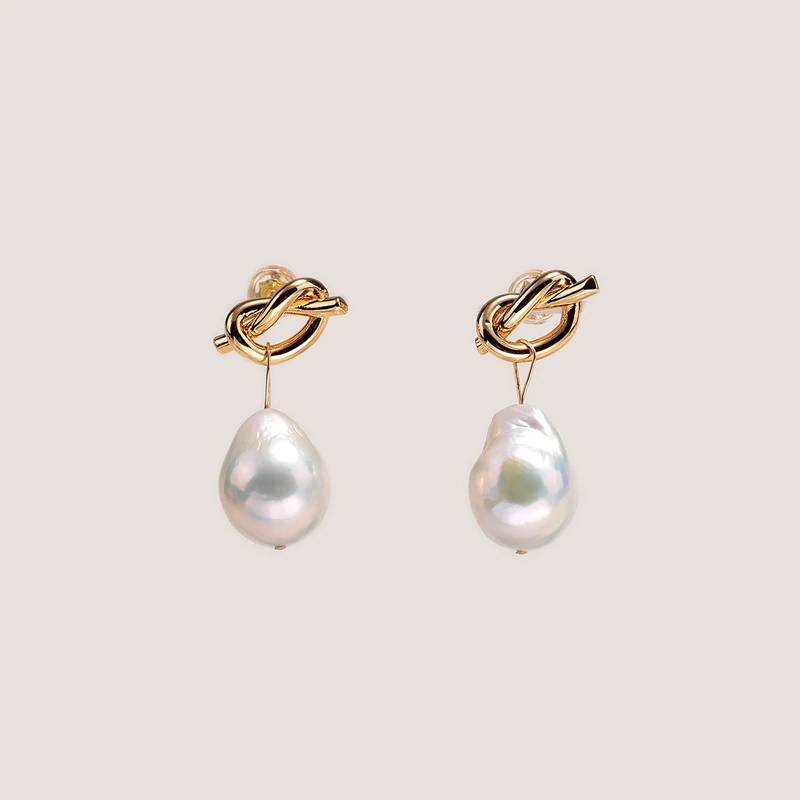
Record descriptive details that affect how you compare options, without turning them into unsupported specifications. The Ada hoops are described as having freshwater baroque pearls; baroque describes an irregular shape, and the listing notes that pearls may differ from images. The EDREA earrings use Swarovski pearls and cubic zirconia, not freshwater or Akoya cultured pearls. Preserve those descriptions when comparing products, and do not infer an origin, treatment, or quality guarantee from a style name.
Use the worksheet to prepare a precise request
Before sending an inquiry, review the matrix row by row. Check that each requested line includes the product, selected option, relevant measurement, and quantity. Circle or mark unanswered combination questions. Confirm that your internal total matches the variant counts, then send the seller a concise list of the exact choices you are considering. Request clarification of availability and order conditions rather than treating a listed option as a promise that it can be provided in any quantity.
When a response arrives, update the matrix without overwriting the original request: record what was confirmed, what changed, and what remains open. This simple version history reduces confusion if you revise counts or select a different option later. A dependable buying worksheet is not a catalog of assumed combinations; it is a clear record of listed choices, intended quantities, and answers. Use it before placing an order so every decision has a specific product and option attached.